The luxury website examples


How the product is shown
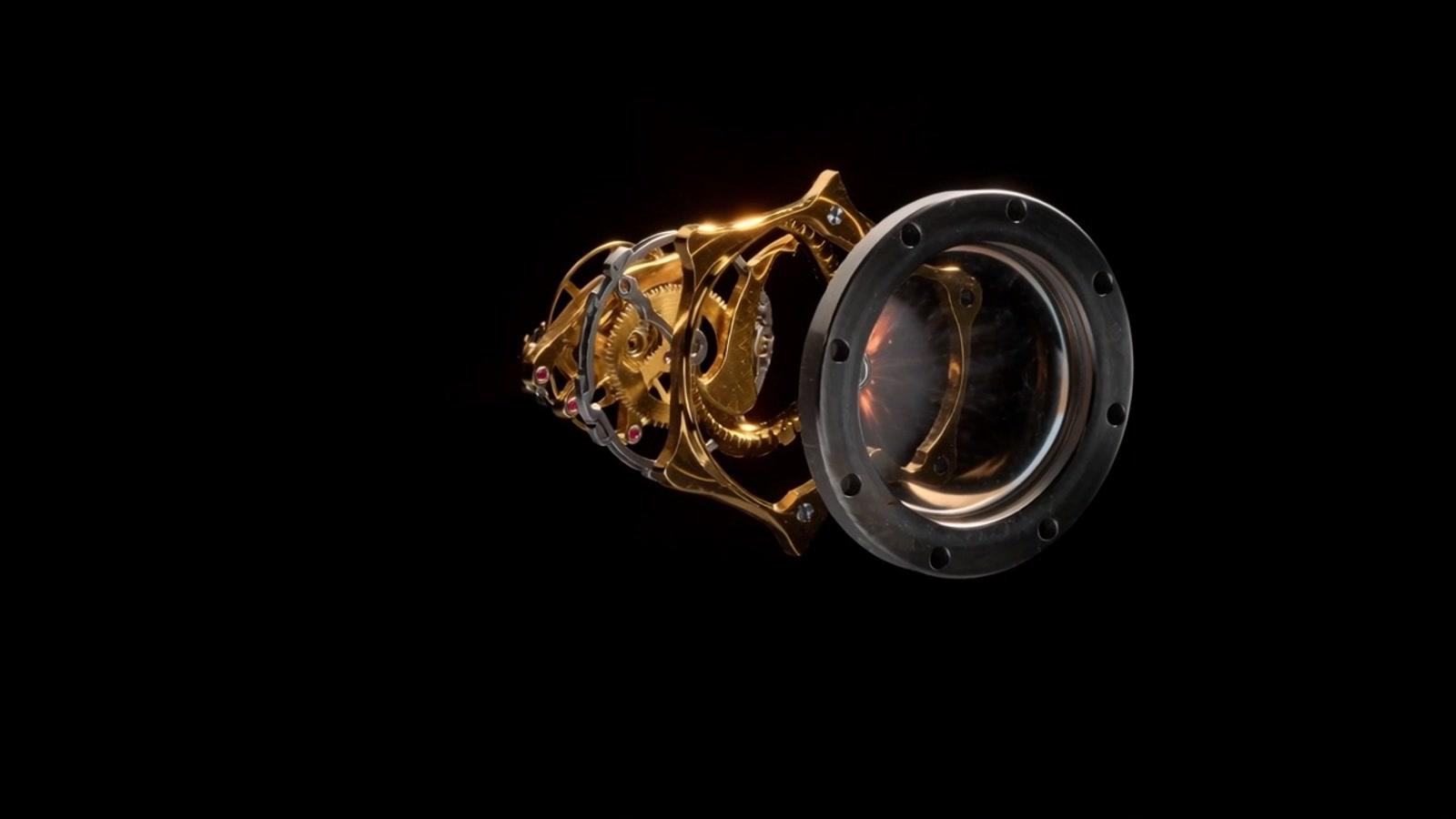
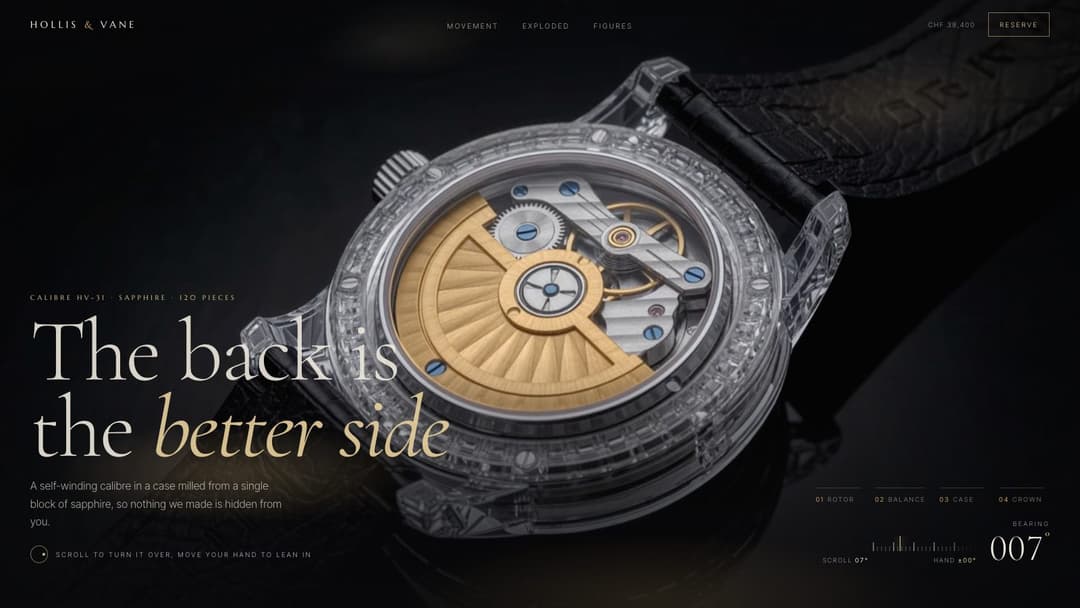
- Taken apart by your scroll. Meridian Line separates a watch along a single axis while an odometer counts its 47 parts. Hollis & Vane orbits an open caseback, then explodes it into floating layers.
- Light that does the selling. Each piece of jewellery sits under its own shaft of champagne light, and hovering one sweeps the light round it. On Isola, 3 note cards regrade the scene in their own hue.
- A quiet buy rail. The watch pages end on a sticky buy rail: a rolling price on one, case and strap pickers and a live mainspring meter on the other.
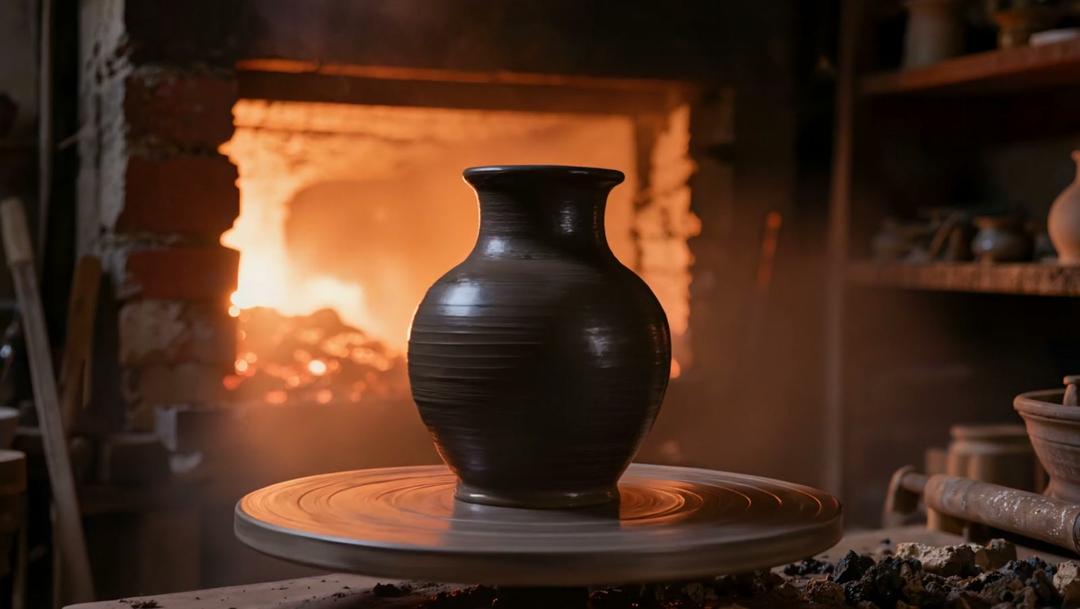
Where a page is built on footage, its prompt tells you which shots to generate and how to encode them for smooth scrolling.
From demo to your own site
- Scroll the demo. Every prompt has a live page that shows what it builds.
- Copy the prompt for your tool. Each one comes in 5 variants: Lovable, Bolt, Cursor, Claude and Codex.
- Paste it as your first message, then adjust in plain words: “put my brand name on it”, “show the prices in pounds”.
Questions about luxury website design
What should a luxury website show?
The product, large and slow, with space around it and few words. These examples let the visitor handle it: turn a watch over, sweep light round a piece of jewellery or follow the camera through the smoke towards a bottle.
Is there a jewellery website design here?
Yes. Obsidian Atelier is a jewellery storefront lit like a vault: each piece sits on near-black under its own light, and the cart button is set in smoked glass.
Are these real brands?
No. Every brand here is made up. Copy the prompt and your tool builds the page under your own brand, with your own products.
Will it work in Lovable or Bolt?
Yes. Each prompt has a Lovable tab and a Bolt tab written for that tool, plus Cursor, Claude and Codex. The Claude version is a plain prompt that also works in v0, Replit or any other coding model.
Do these pages work on phones?
Every demo is checked at desktop and phone width. Open any demo on your phone to see how it behaves before you copy the prompt.