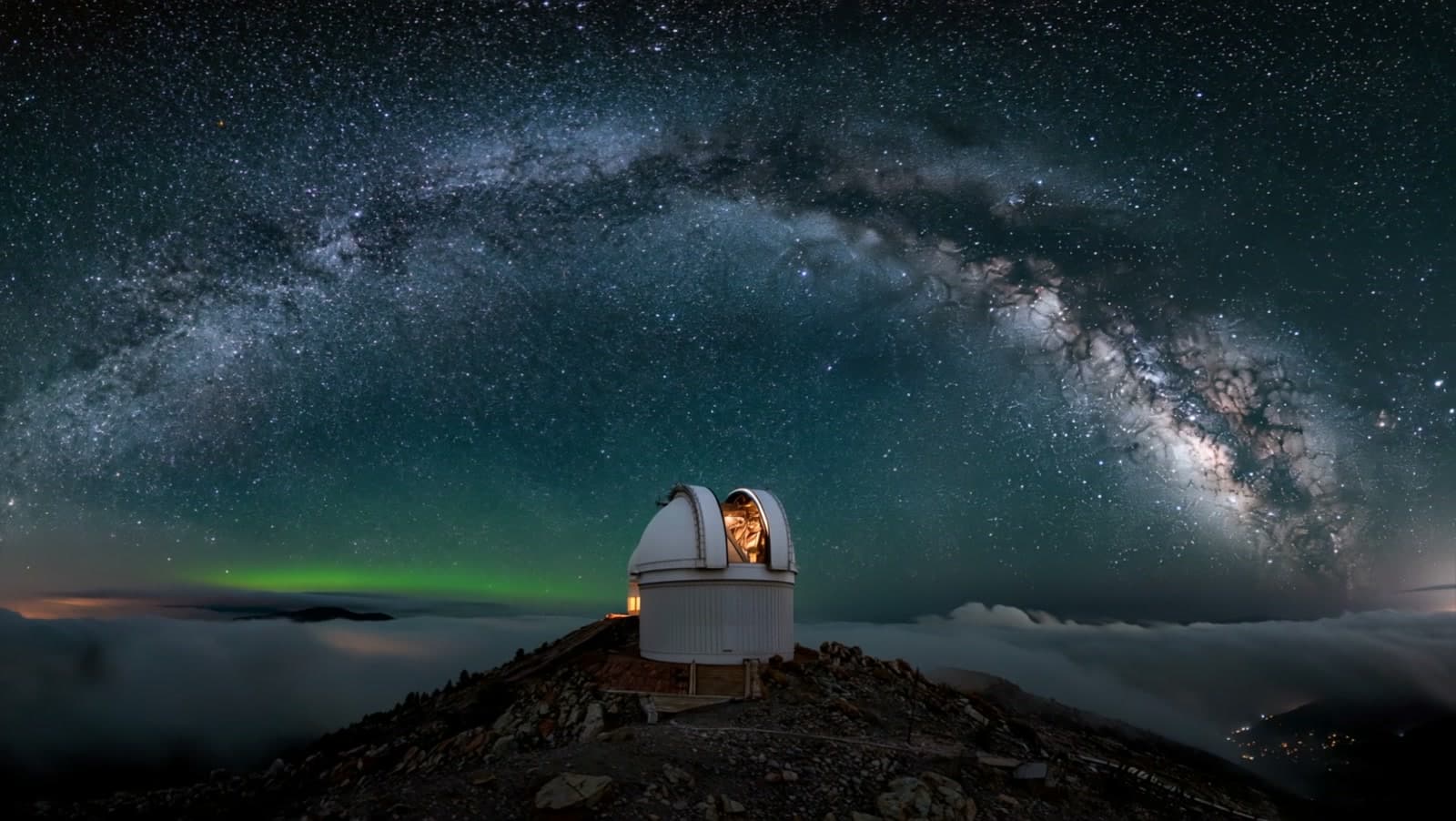
Lumen Observatory
The 3D collection

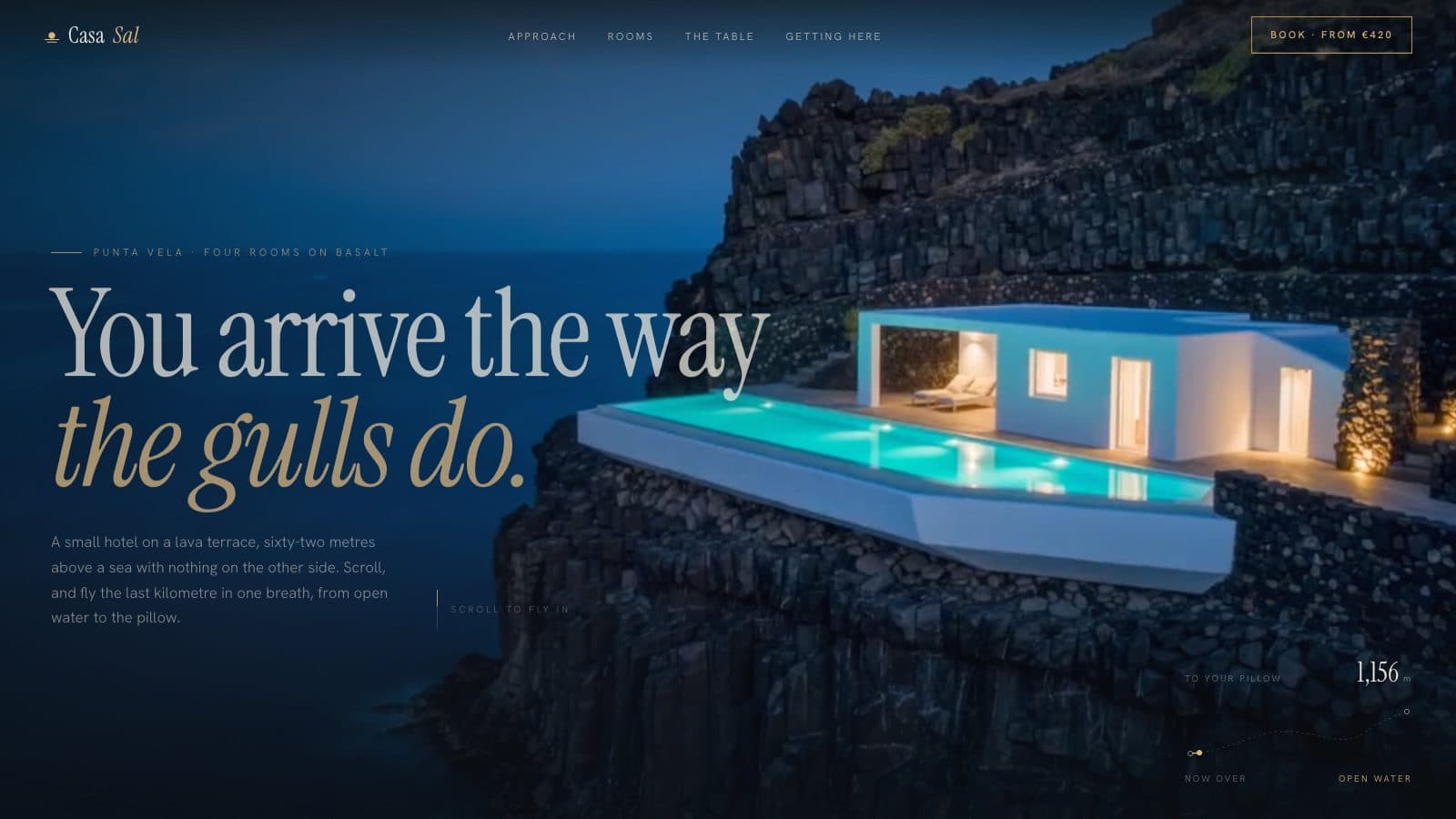
Lathe & Lacquer
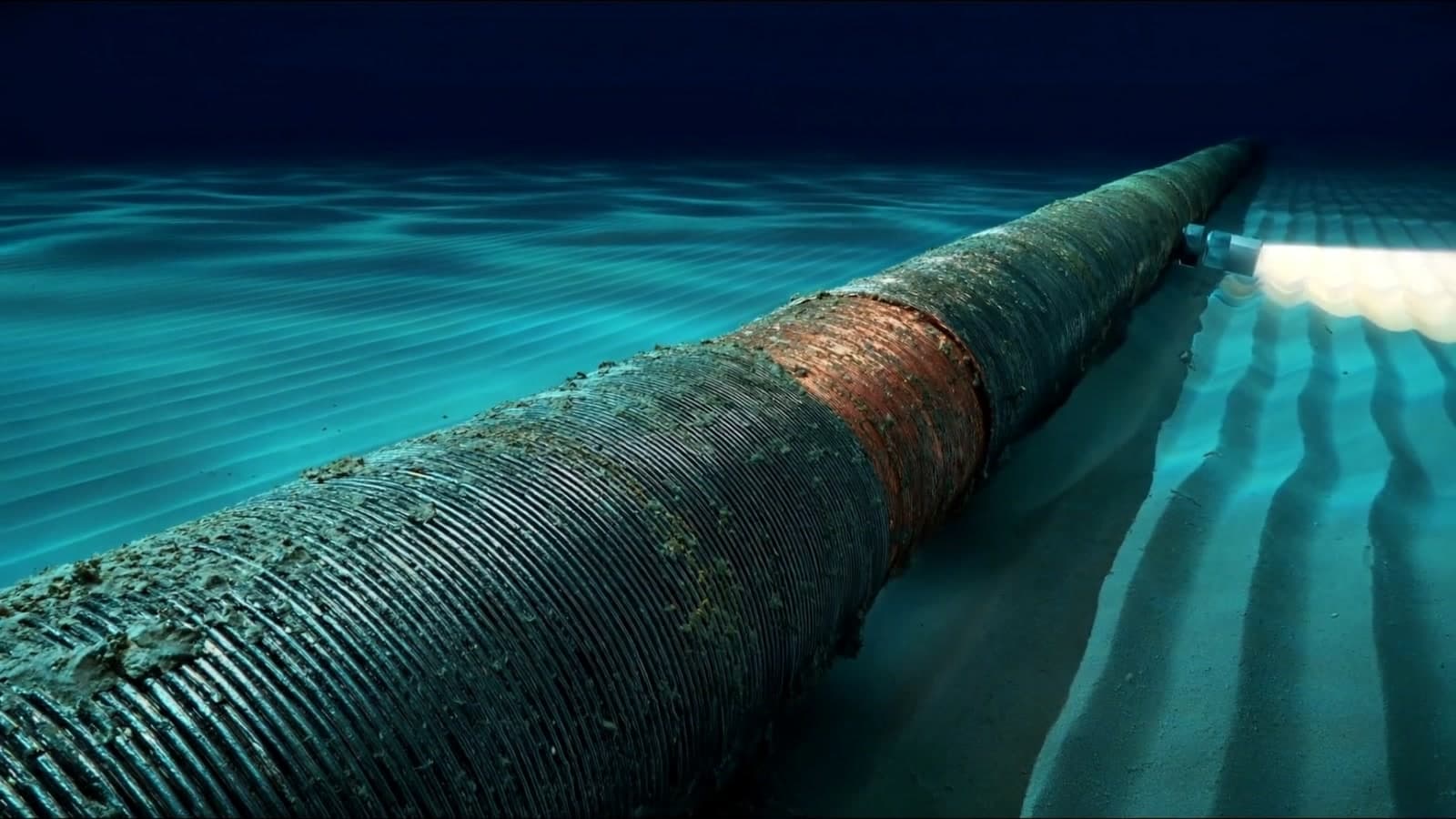
Fathom Line
Unlock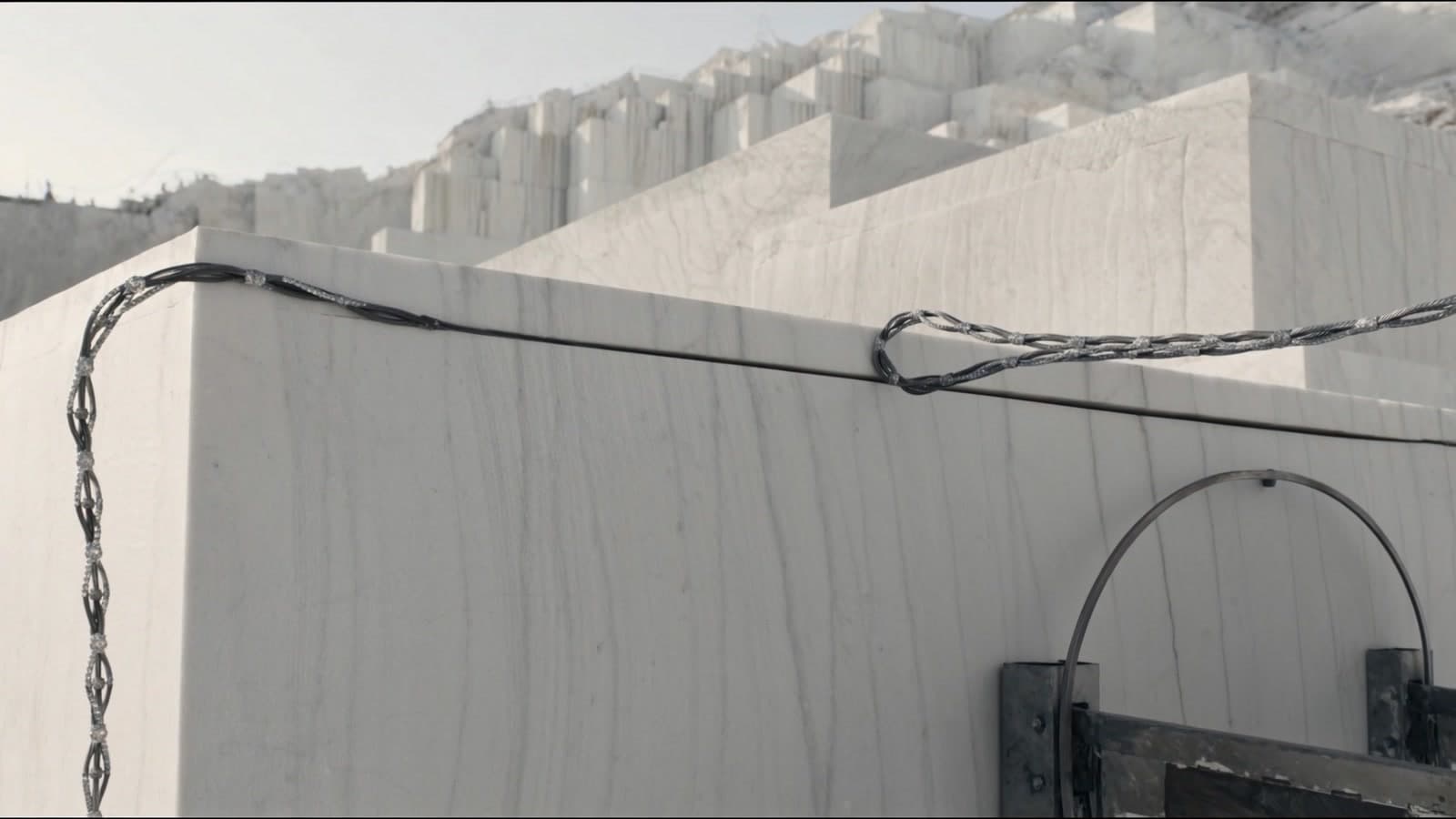
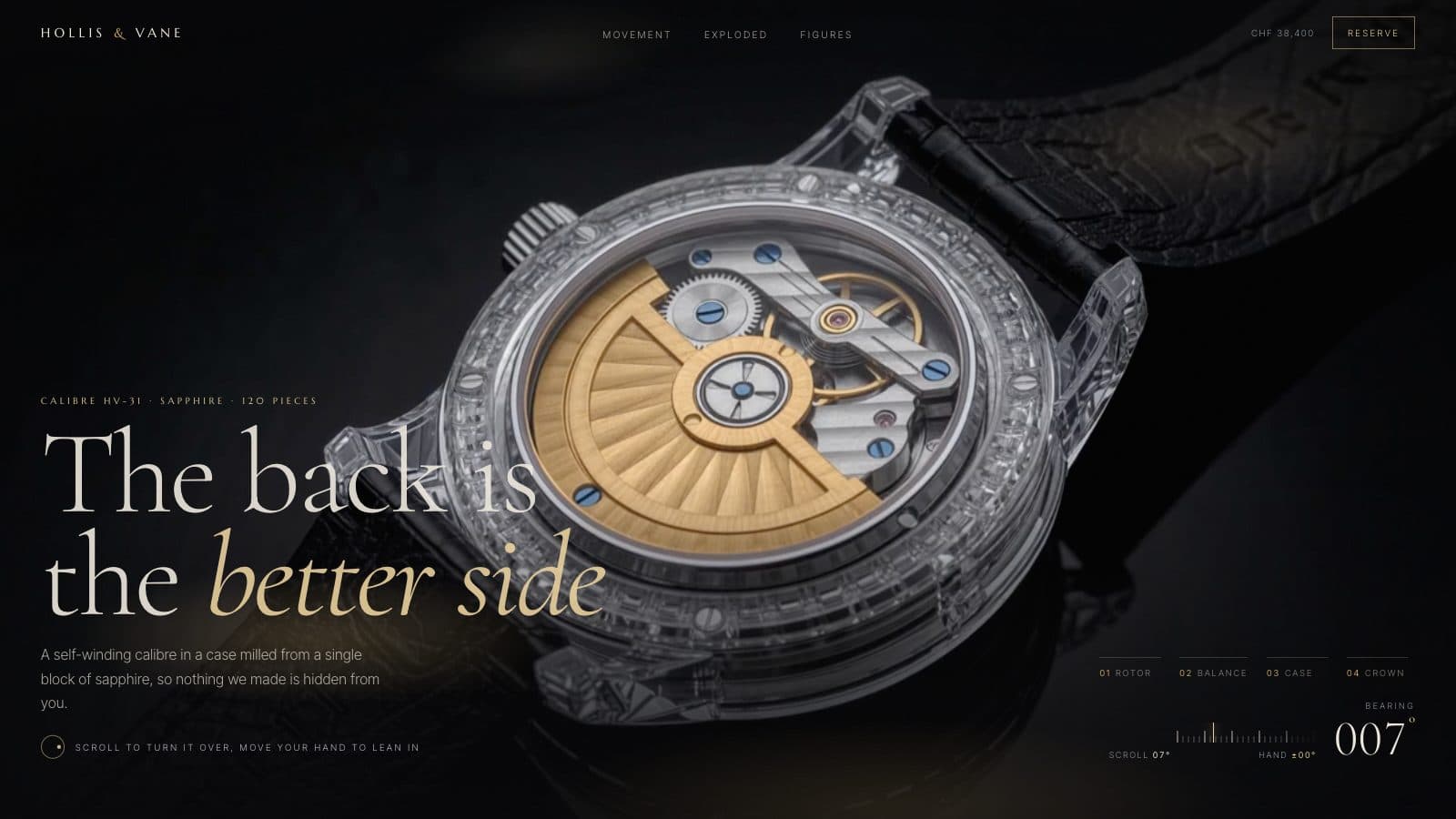
Quarry Index
UnlockEvery drop, unlimited
Unlimited opens every prompt and every new drop, in all 5 tool variants, with a commercial license.
Go Unlimited →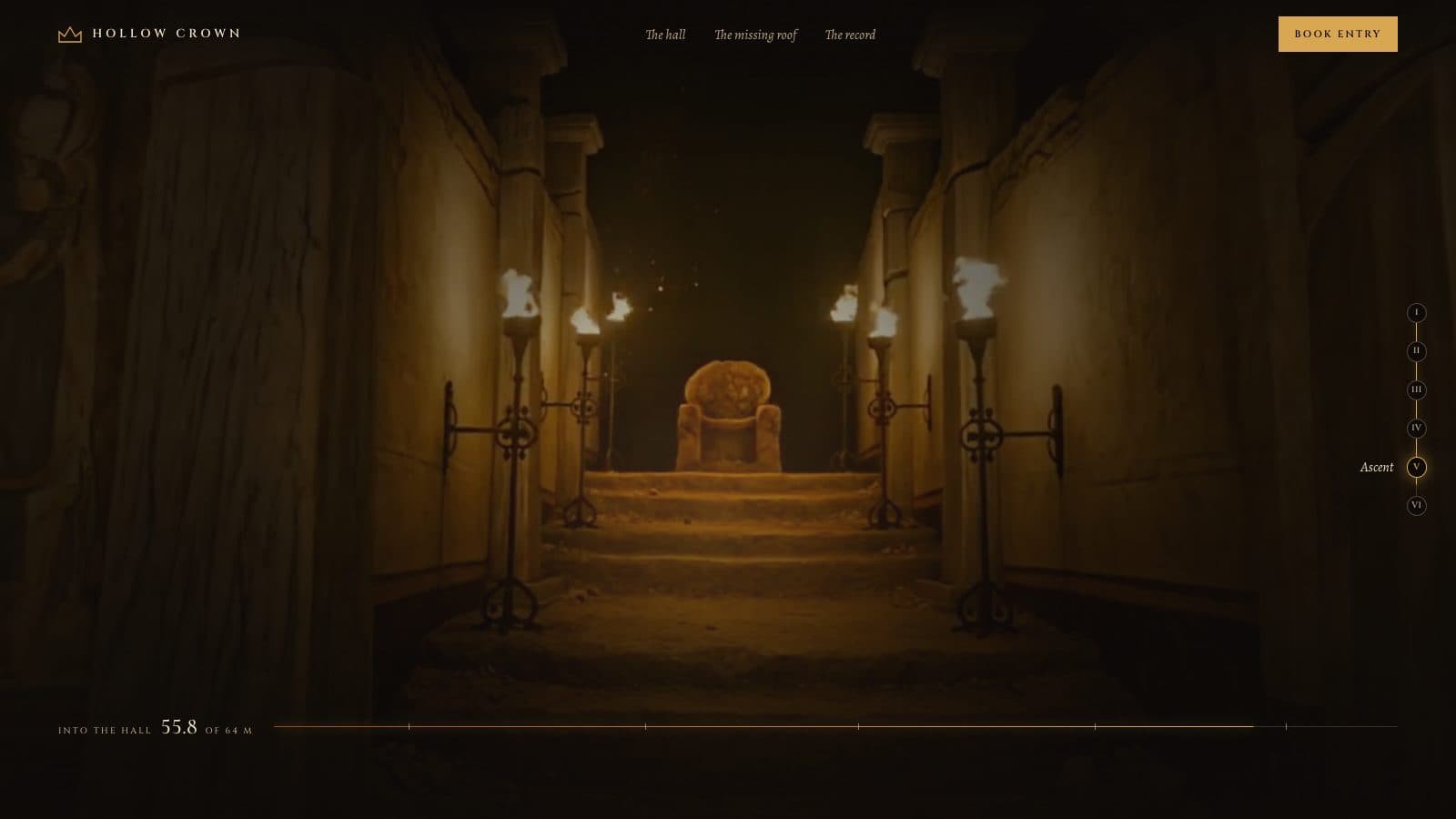
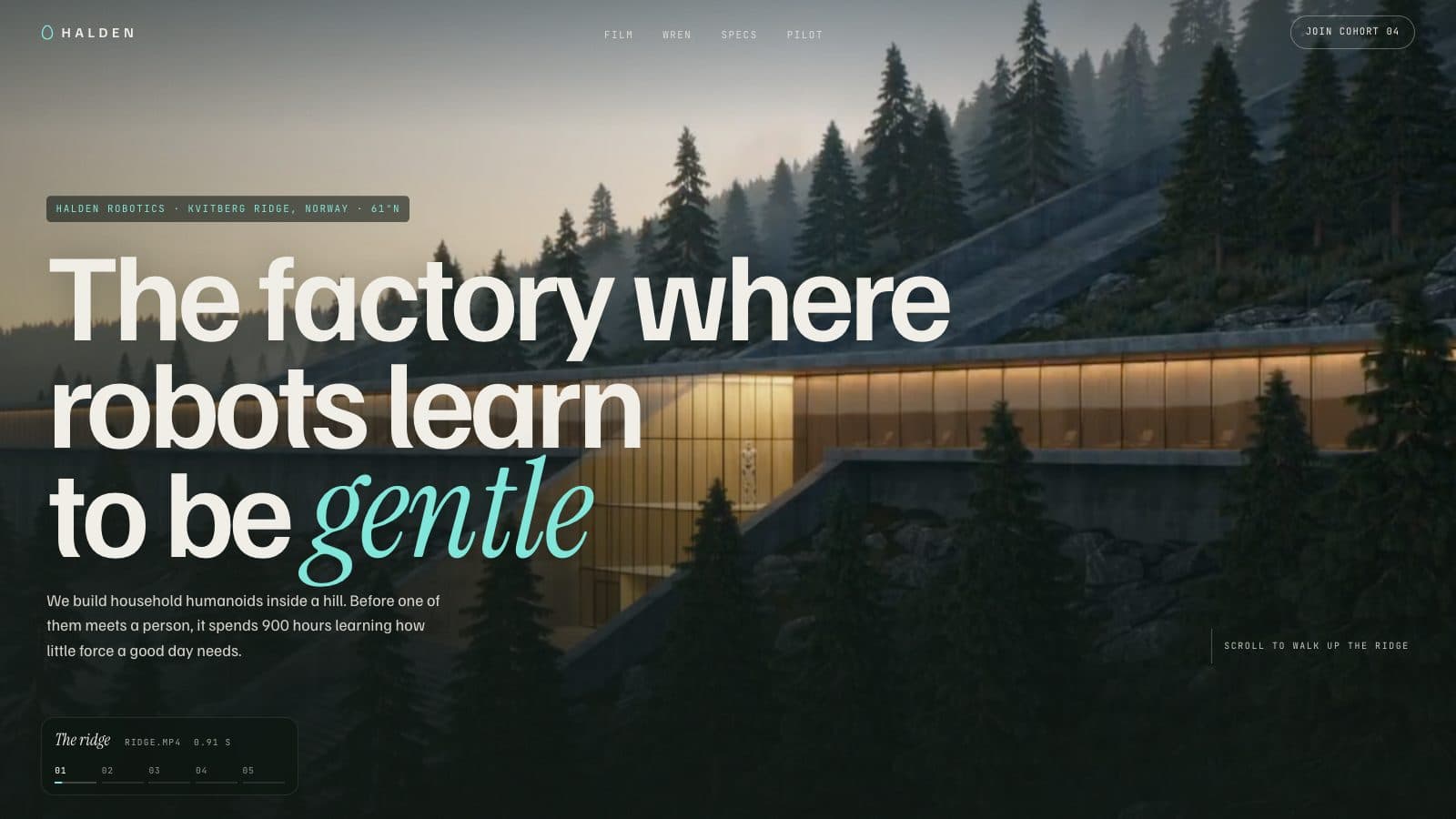
Hollow Crown
UnlockMore prompts with depth
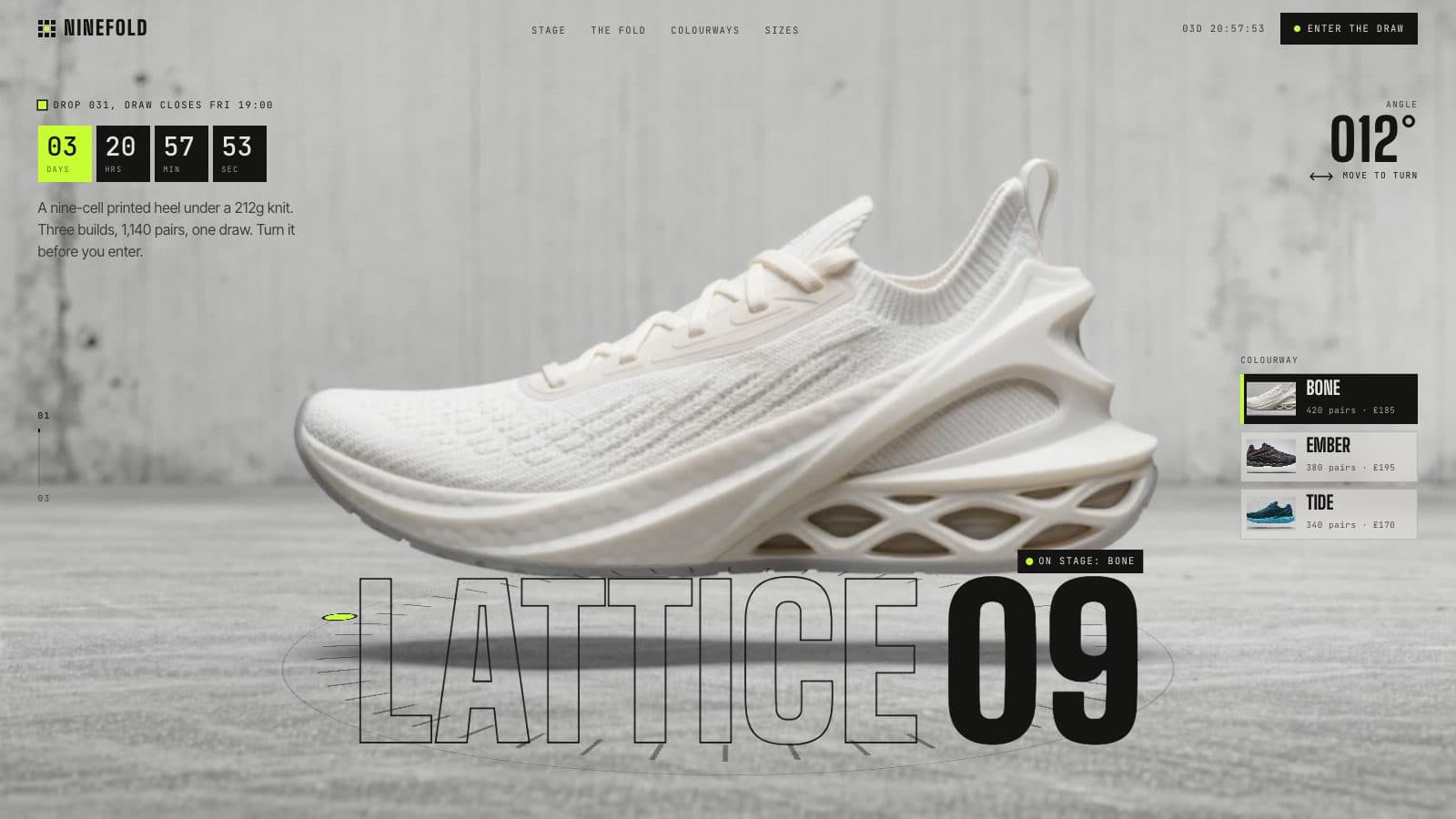
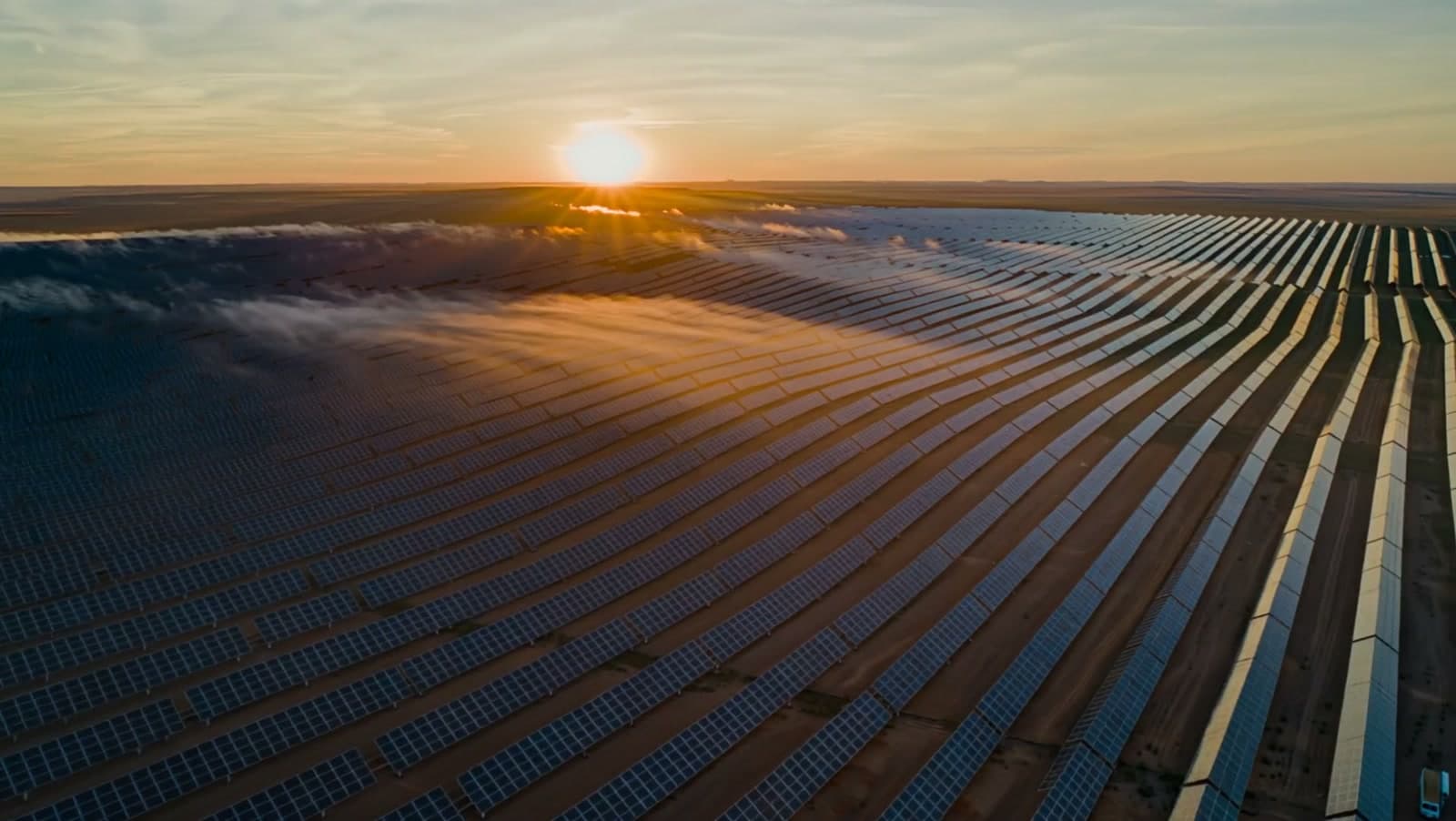
Depth turns up across the library: drone flythroughs, exploded product views, 3D maps and corridors you fly down.
How the depth is built
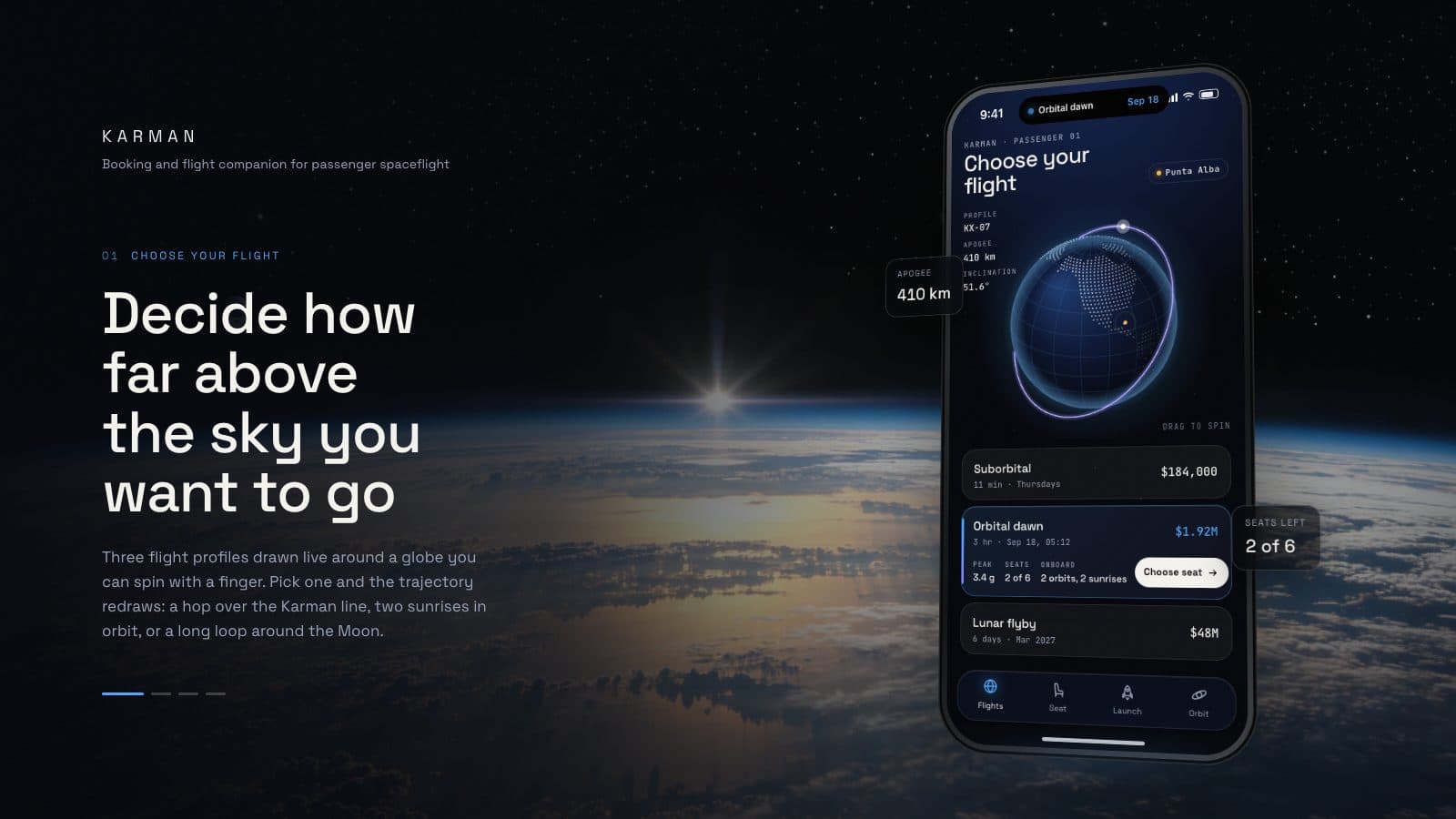
- Parallax layers. Stars, planets and labels move at different speeds as you scroll, so flat layers read as space.
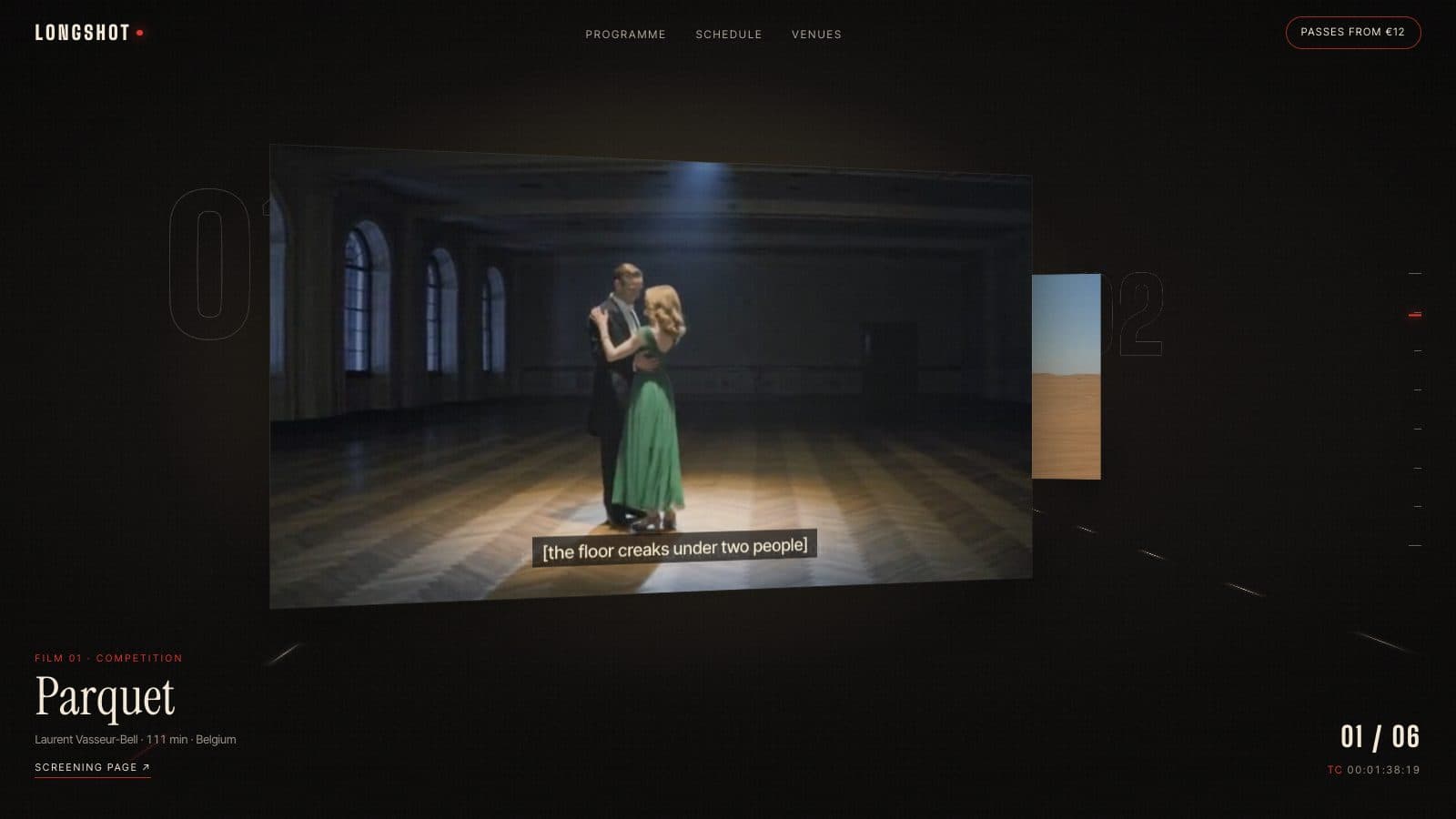
- CSS 3D transforms. Corridors, card decks and maps are tilted in real perspective by the browser itself.
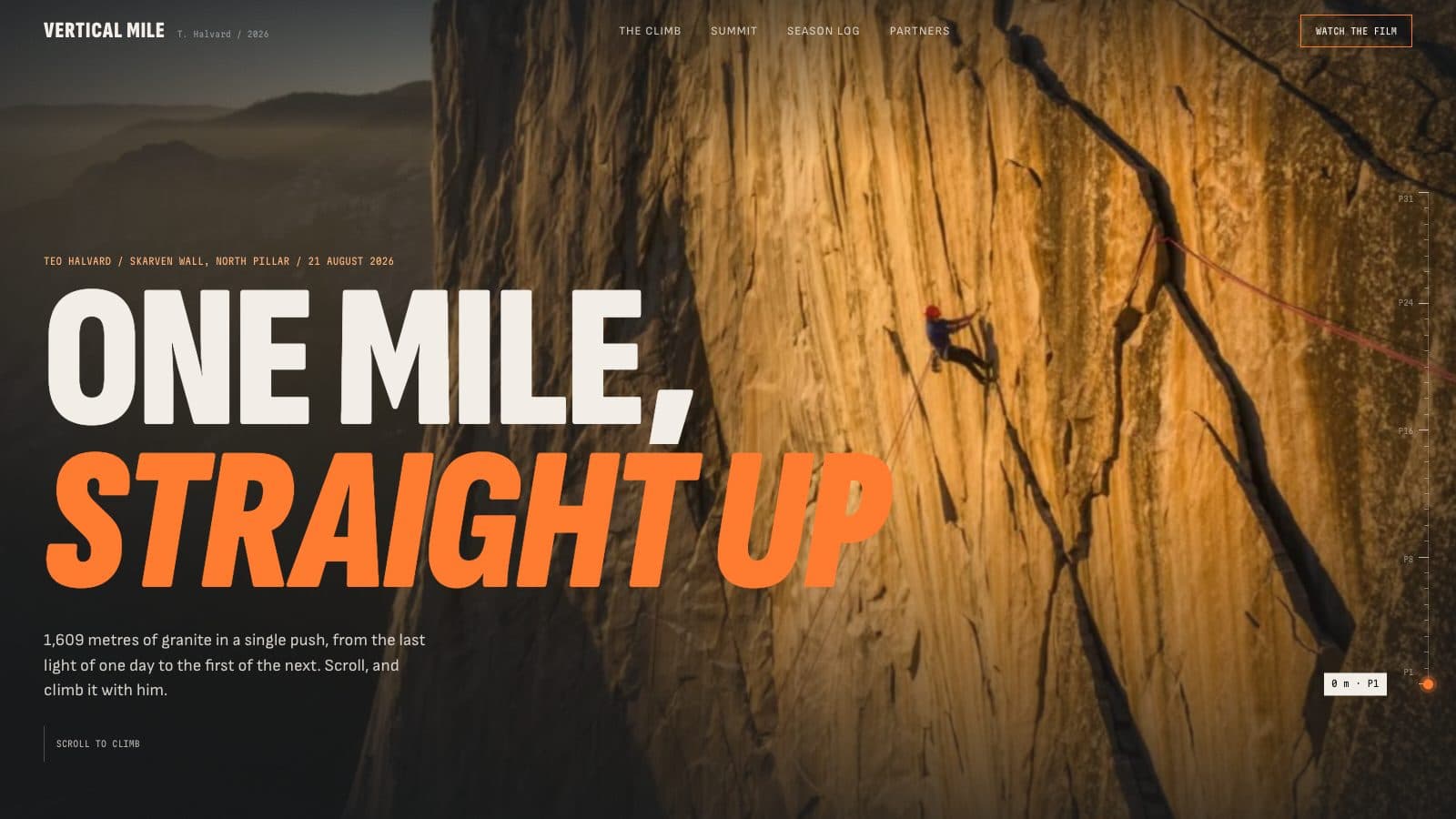
- Footage scrubbed by scroll. A camera move is filmed once, then the scrollbar plays it frame by frame, so a drone flight or a walk through a hall stays smooth.
- Cursor-driven tilt. Planets, watches and sneakers lean or turn toward your pointer.
Most of these need no 3D engine and no model files from you. Where a prompt is built on footage, it tells you which shots to generate and how to encode them for smooth scrolling.
From demo to your own site
- Scroll the demo. Every prompt has a live page that shows what it builds.
- Copy the prompt for your tool. Each one comes in 5 variants: Lovable, Bolt, Cursor, Claude and Codex.
- Paste it as your first message, then adjust in plain words: “slow the orbit down”, “make the planet green”.
Questions about 3D website prompts
Do I need Three.js or WebGL experience?
No. You paste a prompt and your tool writes the code. Most of these build depth with parallax, CSS 3D transforms and scroll-driven footage rather than a 3D engine, so there is nothing to install or set up.
Is there a free 3D prompt?
Yes. Lumen Observatory is free: a deep-space scene with 3 parallax star layers, orbit lines and a planet that tilts toward your cursor. Copy it without an account.
Will it work in Lovable or Bolt?
Yes. Each prompt has a Lovable tab and a Bolt tab written for that tool, plus Cursor, Claude and Codex. The Claude version is a plain prompt that also works in v0, Replit or any other coding model.
Do the 3D effects work on phones?
Every demo is checked at desktop and phone width on every commit. Open any demo on your phone to see how it behaves before you copy the prompt.
Do I need 3D models or video files?
Not for the parallax and CSS 3D prompts. Prompts built on footage list the exact shots to generate with a video tool and the settings to encode them with.